
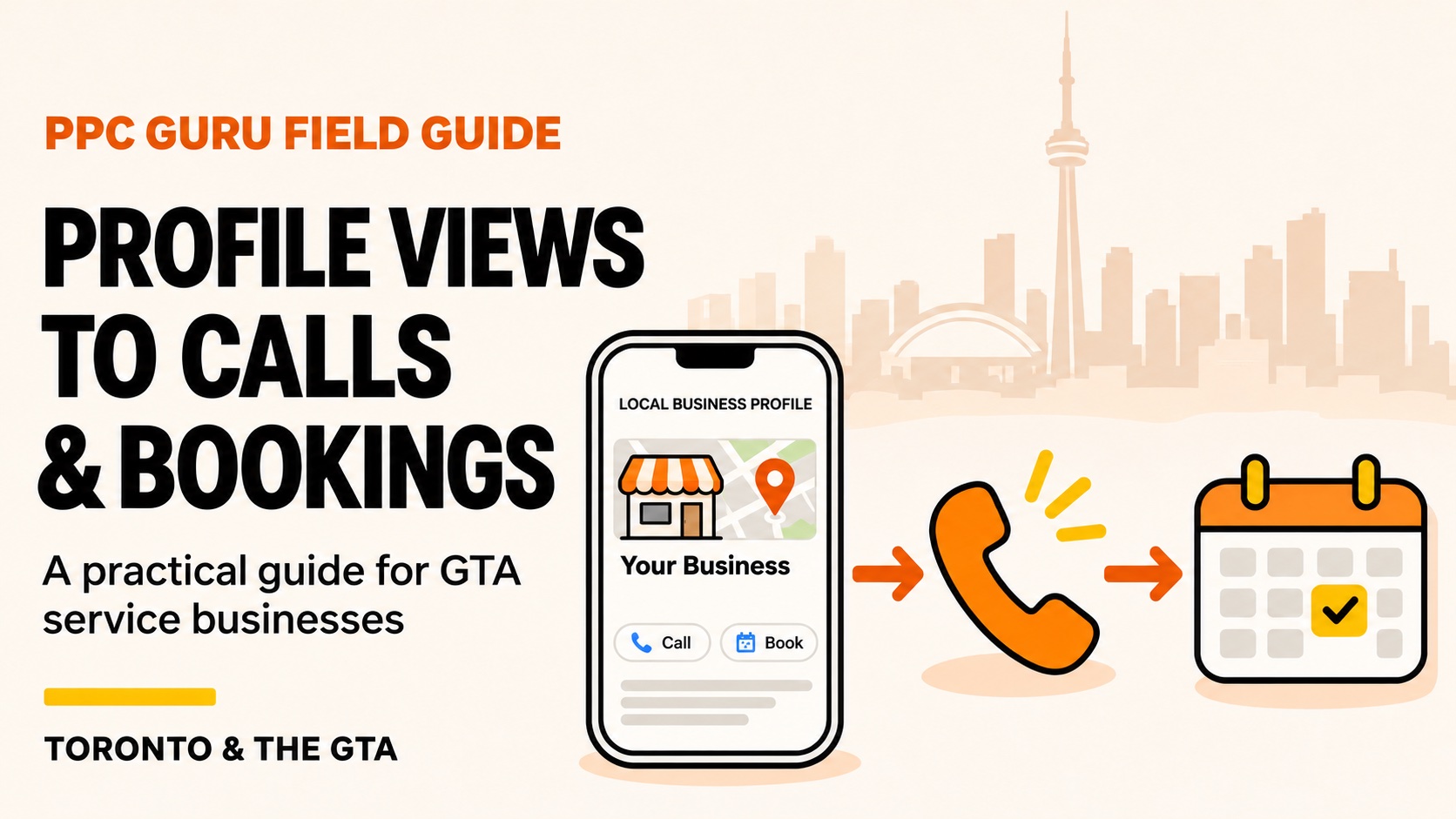
A Toronto service business may appear on Google Maps and receive profile views while its appointment calendar stays empty. If that sounds familiar, check the path from discovery to booking. Customers may select another listing, reach voicemail or click through to a website that makes booking difficult.
Quick answer: Confirm that relevant local customers see your profile. Make your services, hours and contact options clear. Then measure answered enquiries and completed bookings separately from Google's profile interaction numbers.
Understand what your profile numbers mean#
Think of the customer journey as relevant search → profile view → contact → answered enquiry → booking. Each step has a different possible problem. More views will not fix a wrong phone number or missed calls.
Navigate to your verified Google Business Profile's Performance section. When available, compare similar time periods for views, searches, calls, website clicks and bookings. When someone presses the Call button on a profile, Google counts a call. That does not confirm that the call connected or anyone answered. Its bookings metric counts completed bookings through a supported provider; custom booking links require separate tracking. Google defines the metrics here.
A simple ratio of Call clicks to views can show a trend, but it is not a true customer conversion rate. It misses people who dial the number manually, visit your site or return later through another channel. Keep your call records and appointment system beside the profile report.
Attract the right local searches#
A Mississauga renovation company may get many views for broad “contractor” searches while wanting basement remodel consultations. Review the searches shown in Performance against the services, locations and job types you actually want.
Choose an accurate primary category and relevant secondary categories. List genuine services plainly, including what is offered or whether an assessment is available. Google lets businesses edit service descriptions and, where appropriate, prices. See Google’s service guidance.
Keep the business name, address and service area truthful. Adding city names to the business name or making extra profiles for places without an eligible location can create policy problems. Google says local visibility depends mainly on relevance, distance and prominence. Clear information helps with relevance; no profile edit can make a distant business physically closer. Google explains local ranking.
Make contacting you easy#
View your listing on a phone as a real local customer would. Can you immediately tell what the business does, which area it serves, when it is open and what to do next? Tap the Call button and place a test call. Open the website and booking links and complete a test enquiry.
Maintain current regular and holiday hours. A caller anticipates a response if a profile states "open now." Assign calls to a person who can respond, or let clients know when they can anticipate a callback. Make sure the listed number reaches the right team during every stated opening hour.
Add authentic photos that help someone recognise the business and assess its work: a clinic entrance, a service team, a vehicle or completed projects where appropriate. Show the services you actually deliver. Google's photo guidance explains how to manage these images.
Build trust with useful reviews#
Customers often compare nearby profiles before contacting a business. Ask actual clients for honest reviews after the work or appointment. Never buy reviews or write them for clients. Reply professionally when criticism reveals a real service problem.
Google says review count and rating can affect local prominence. Reviews also help people decide whether to call. There is no universal number that guarantees bookings. Google's local ranking guidance describes their role.
Fix the handoff from call to booking#
If Call clicks rise but bookings do not, review what happens after the tap. Look at answered calls, missed calls, time to callback and the reasons enquiries did not book. A short intake record should capture the service needed, customer location, qualification status and next action.
Make sure the person answering can explain the service and offer the next appointment or estimate. Test any booking link on a phone. It should open the correct location and service, show real availability and confirm the booking. For a contractor, “request an estimate” may fit better than “book an appointment.”
Eligible businesses can add appointment links to their profiles. A custom link can be useful, but its reservations do not appear in Google's native bookings Performance metric. Use your booking software or website analytics to count them. Google explains booking providers and profile links.
Measure bookings, not just clicks#
Use a small monthly scorecard. Record every enquiry through to its confirmed booking, including calls answered later by your own staff:
| Stage | Measure |
|---|---|
| Discovery | Relevant profile searches and views |
| Action | Call clicks, website clicks and booking-link visits |
| Contact | Answered calls and completed forms |
| Fit | Qualified enquiries by service and area |
| Outcome | Booked appointments or estimates |
Add tracking parameters to the profile's website link so analytics can distinguish those visits from other Google traffic. Record the source and outcome in your CRM. If you use a separate call tracking number, test it carefully and preserve correct business contact information.
A practical two-week check#
- Start: Record current profile activity, answered calls and bookings. Test the phone and links yourself.
- Fix: Correct categories, services, hours, contact details and broken links. Add genuine service photos.
- Follow up: Assign missed calls to an owner and set a callback process. Ask recent customers for honest reviews.
- Review: Compare qualified conversations and bookings with the baseline, allowing for day-of-week and seasonal differences.
Two weeks can expose broken handoffs. Use a longer period before claiming that a profile edit improved rankings or demand.
Frequently asked questions#
Why does my Google Business Profile get views but no calls?#
The searches may be too broad, the listing may not explain your service clearly, or competitors may look more relevant. Check searches, categories, services, hours, photos and reviews. Then test the Call button: the problem may be an incorrect number or unanswered calls.
Does a Google Business Profile “call” mean someone spoke to us?#
No. Google counts a tap on the Call button. Your phone system or call log must confirm whether the call connected, was answered and led to a qualified conversation.
Can I track appointments made from my Business Profile?#
Yes, but the method depends on the booking route. Google's bookings metric applies to supported booking providers. For a custom booking link, track visits and completed appointments through your booking software or website analytics.
How long should I wait to judge changes?#
Check links and call routing immediately. Review enquiries over several weeks, allowing for demand and seasonal changes. One or two quiet days cannot prove a ranking or conversion trend.
The useful goal is consistently more qualified conversations that become appointments or jobs. If your profile has visibility but few bookings, request a PPC Guru audit and bring the Performance report plus recent call and appointment outcomes.