
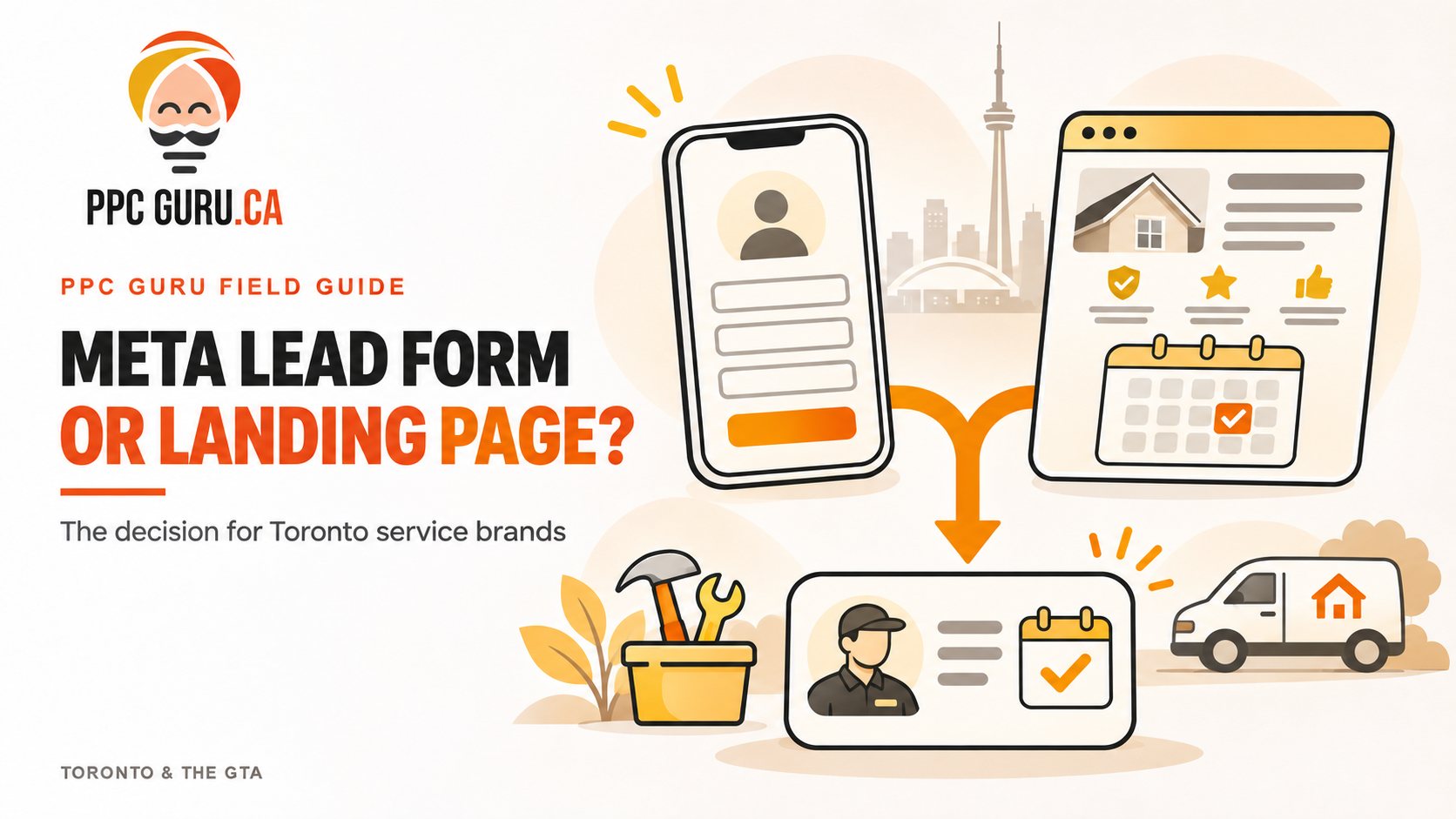
A Toronto service business can run two Meta ads with the same offer and see two very different results. One sends people to an Instant Form inside Facebook or Instagram. The other sends them to a landing page. The form may produce more enquiries at a lower cost. The page may produce fewer enquiries but more booked consultations.
Neither result tells the whole story. If your team spends hours calling people who do not remember submitting a form, cheap leads become expensive. If a landing page explains the service beautifully but loses visitors before they enquire, strong lead quality cannot make up for the missed opportunities.
The useful question is: Which route brings in more suitable customers at a cost your business can sustain? For a Toronto service brand, the answer depends on the service, the offer, the page or form experience, and what happens after someone enquires.
What changes when you use a Meta Instant Form?#
An Instant Form opens within Facebook or Instagram. People can submit their details without waiting for another website to load, and some contact information may already be filled in. That short path can make it easier to enquire, especially on a phone. Meta describes lead ads as a mobile-friendly way to collect information and supports sending new leads directly to a CRM. Meta Lead Ads documentation
That convenience is useful when the offer is easy to understand. A furnace repair company advertising a callback, for example, may need a customer’s location, service need and phone number more than a long explanation of its process.
Convenience also creates a qualification challenge. A quick submission does not necessarily mean someone is ready to book, lives in your service area or understands the likely price. The form must do enough work to set expectations without becoming so long that interested people abandon it.
Meta offers a Higher Intent form option that adds a review and confirmation step before submission. It is one way to ask people to pause and check their answers; it is not a guarantee that every resulting lead will be qualified. Meta Lead Forms documentation
What changes when you use a landing page?#
A landing page gives you room to answer the questions that stand between interest and an appointment. You can show the services you offer, neighbourhoods you cover, examples of your work, reviews, pricing context and what happens after someone submits the form.
That space matters when a customer needs confidence before sharing their details. Someone considering a renovation consultation may want to see project photos and understand the process. A person choosing a clinic may want to know who provides the service and where appointments take place. A short Instant Form has less room to build that confidence.
The trade-off is another step between the ad and the enquiry. The visitor has to leave Meta, wait for the page and decide whether to continue. If the page is slow, hard to read on mobile or disconnected from the ad’s promise, that extra step can cost you leads.
A landing page therefore needs a job beyond looking polished. It should help the right visitor decide, “Yes, this service fits me,” and make the next action obvious. PPC Guru’s landing page and conversion services focus on dedicated pages matched to campaigns, along with tracking and improvements to the enquiry journey.
Why the Toronto service area changes the decision#
“Toronto” can mean different things to an advertiser and a customer. Your ads may reach someone in the city while your team mainly serves Mississauga. You may cover the GTA but charge differently for jobs outside a core area. Some services depend on an in-person visit; others can start virtually.
The form or page should make those boundaries clear. If you only serve certain postal codes, say so before asking for contact details. If you offer both residential and commercial work, let people identify which they need. If the ad promotes an appointment, state whether it is a phone call, video consultation or on-site visit.
These details can reduce wasted follow-up. They can also make your offer more appealing to the people you can help. A homeowner in Etobicoke who sees that you serve their area has a better reason to enquire than someone left guessing.
Do not choose by cost per lead alone#
Cost per lead measures the price of a submission. It does not tell you whether the person answered the phone, met your criteria, booked or became a customer.
Imagine two campaigns with the same total spend. The Instant Form produces 100 leads for $1,200, or $12 per lead. Ten people book, making the cost per booking $120. The landing page produces 40 leads for $1,000, or $25 per lead. Twelve book, making the cost per booking about $83. These numbers are illustrative, but they show why the cheaper lead source may be the more expensive booking source.
The reverse can happen too. A well-qualified Instant Form paired with prompt follow-up may outperform a landing page. You will only know if your CRM records what happened after submission and keeps the form and page leads separate.
Meta supports CRM integrations and sharing lead outcomes back to its systems for lead-quality optimization. Your first step, though, is simpler: make sure every enquiry has a source and a clear status your team actually updates. Meta Lead Ads documentation
When should a service brand start with an Instant Form?#
An Instant Form is a sensible first test when your offer needs little explanation, your team can respond promptly and you can qualify someone with a few practical questions. Think of a callback request for a clearly defined home service or an initial enquiry for a straightforward appointment.
Build the form around a real conversation. State what the customer is requesting. Ask only what your team needs to decide whether and how to follow up, such as service type, location and preferred contact time. Use the confirmation screen to explain the next step. If people can book directly, give them that option after they submit.
Most importantly, connect the form to a reliable follow-up process. A lead sitting in an inbox until the next day is a poor test of the form itself. Meta supports CRM connections and real-time lead retrieval through integrations, which can help a team route enquiries as they arrive. Meta Lead Ads documentation
When should a service brand start with a landing page?#
Start with a landing page when people need substantial context before they are comfortable enquiring. It is particularly useful when your service has several options, a longer buying process or a higher commitment. It also gives you more control over how you explain your service area and show proof.
Keep the page focused on the ad’s promise. A “Book a basement renovation consultation” ad should lead to a page about that consultation, not a general homepage with a long menu. Near the top, tell visitors what the service is, who it is for and what they should do next. Add the proof and common answers that help them make that decision.
Make the form short enough to complete on a phone, and check the entire journey yourself. Submit a test enquiry. Confirm it reaches the right person. Check the thank-you message and what the customer receives next. A page cannot earn a booking if the enquiry disappears after someone presses “Submit.”
How to run a useful comparison#
You do not need a perfect experiment to make a better decision, but you do need a fair one. Use the same core offer and a comparable creative approach for both destinations. Keep the service area consistent. If one ad promises a free assessment while the other offers a general callback, you are testing two offers as well as two destinations.
Before launch, agree on what counts as a qualified lead and a booking. For example, a qualified lead might be contactable, within the service area and seeking a service you provide. Record those outcomes in the CRM for both routes. Then review:
- Cost per lead
- Percentage of leads you can contact
- Percentage that meet your criteria
- Cost per booked appointment
- Cost per customer, once you have enough outcomes
Read the reasons behind the numbers. Are Instant Form leads outside your service area? Add a clearer area question or tighten the offer. Are landing-page visitors leaving without submitting? Check mobile usability, page speed, message match and form length. Are both routes producing qualified leads but few bookings? Look at the response and scheduling process.
Avoid declaring a winner from the first few submissions. Give each route enough enquiries to reveal patterns, and account for differences in creative, timing and follow-up.
The decision can change as your funnel improves#
An Instant Form and a landing page can serve different purposes in the same strategy. A short form may suit a simple callback offer. A landing page may suit a detailed consultation or a visitor who needs to compare options first. You can also use what you learn from one route to improve the other: common sales questions can become landing-page FAQs, while repeated unqualified enquiries can reveal what a form needs to ask.
For Toronto service brands, the strongest choice is the one that produces qualified conversations and booked work, with a process your team can maintain. Start with the offer and the customer’s decision. Build the form or page to support it. Then follow the lead all the way to the appointment.
PPC Guru helps GTA service businesses connect Meta Ads, landing pages and lead follow-up so campaign decisions reflect booked jobs—not just submissions.