
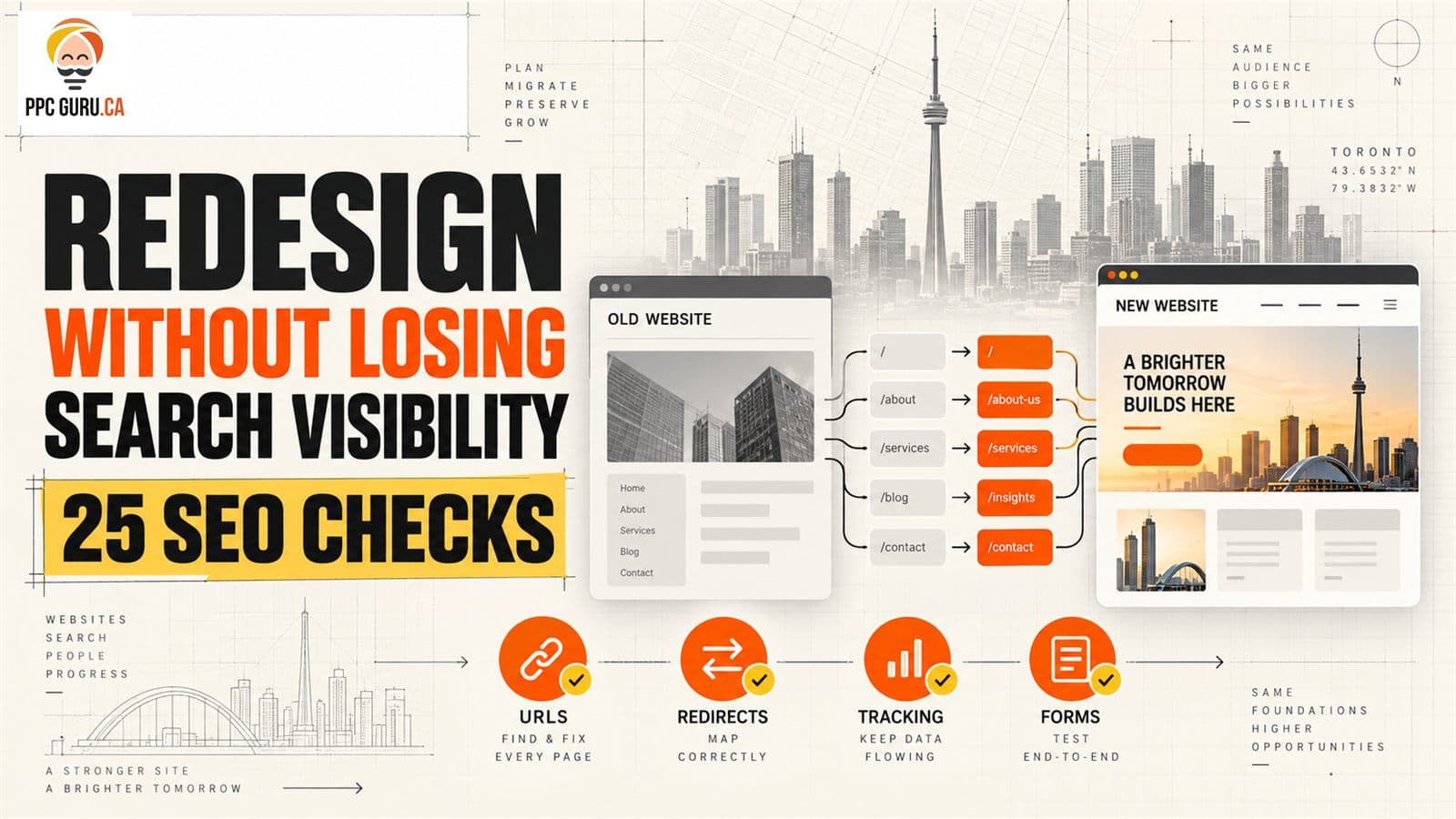
A website redesign SEO plan should be approved before a developer changes URLs, templates or navigation—not after traffic disappears. For a Toronto service business, the launch must protect search visibility, local landing pages, analytics, calls and forms at the same time. PPC Guru combines website design and development with technical SEO so the new site is judged by qualified leads, not only by how it looks.
This website redesign SEO framework covers three moments: before development, on staging and after launch. It cannot guarantee unchanged rankings; Google says significant site moves can cause temporary fluctuations while URLs are recrawled and reindexed.
The short answer#
To redesign a website without unnecessarily losing rankings, preserve valuable URLs where possible, map every changed URL to a relevant destination, keep useful content and internal links, transfer metadata and structured data, remove staging blocks, test analytics and forms, and monitor old and new URLs after launch. Change one major system at a time when practical.
The 25-check website redesign SEO launch board#
| Phase | Checks | Sign-off owner |
|---|---|---|
| Before development | 1–8: baseline, crawl, priorities, scope, URL/content/link decisions | Owner + SEO |
| Staging | 9–18: redirects, canonicals, robots, content, metadata, schema, performance, analytics, forms | Developer + SEO |
| Launch and recovery | 19–25: production crawl, sitemaps, Search Console, profiles/ads, monitoring, fixes | Developer + SEO + marketing |
Keep the board beside the project plan. A redesign becomes risky when SEO checks live in a document nobody owns.
Website redesign SEO before development: preserve what already earns attention#
1. Record the business baseline#
Export at least the previous 12 months of organic landing-page data, Search Console clicks and impressions, qualified enquiries and revenue where available. Note seasonality and campaigns. Without a baseline, the team cannot distinguish migration impact from ordinary demand changes.
2. Crawl the current website#
Create an inventory of indexable URLs, status codes, titles, headings, canonicals, word counts, internal links, images and structured data. Save it outside the site being replaced.
3. Identify high-value URLs#
Flag pages that receive organic visits, rank for commercial queries, earn backlinks, assist conversions or generate calls/forms. A low-traffic privacy page and a low-traffic niche service page may both matter, but for different reasons.
4. Define redesign scope#
Separate visual changes from a CMS change, domain move, URL restructure, content rewrite and analytics rebuild. Combining all of them makes a decline harder to diagnose. Google's site-move guidance recommends changing one thing at a time when practical.
5. Decide which URLs stay unchanged#
Preserve established, descriptive URLs unless a change creates clear user or architecture value. A new visual template does not require every slug to change.
6. Create a content decision for every important page#
Mark each URL keep, improve, consolidate, redirect or remove. Do not delete a page simply because the new navigation is shorter. Review its queries, links and lead role first.
7. Map the future site architecture#
Give every priority service and location one clear owner page. Supporting articles should answer related questions rather than compete for the same transactional phrase. Keep important pages within a logical navigation path.
8. Save all measurement and integration requirements#
List analytics tags, consent settings, call tracking, form destinations, CRM fields, booking tools, pixels and conversion events. A website redesign can preserve rankings and still break lead attribution.
Website redesign SEO on staging: test what the public site will actually deliver#
9. Build a one-to-one redirect map#
For every changed URL, choose the most relevant new destination. Do not send every retired page to the homepage. Record the old URL, new URL, reason and test result.
10. Use permanent server-side redirects for permanent moves#
Google recommends permanent server-side redirects such as 301 or 308 where possible. Point each old URL directly to its final destination and avoid chains.
11. Verify canonical URLs#
New pages should declare the intended HTTPS production URL. Remove staging domains, old hostnames and accidental canonicals to unrelated pages.
12. Prepare production robots rules#
Staging should remain protected, but the team needs an explicit launch task to remove noindex, authentication and disallow rules from public content. Test robots meta tags and X-Robots-Tag headers, not only robots.txt.
13. Preserve the purpose of valuable pages#
Design simplification often removes the details that helped a page satisfy the searcher. Keep the service explanation, decision criteria, local relevance, FAQs and proof that remain useful. Rewrite weak content, but do not replace substance with animation and slogans.
14. Transfer titles, descriptions and headings deliberately#
Do not let the new template generate one boilerplate title across the site. Each indexable page needs one clear visible H1 and a descriptive title aligned with its purpose. Meta descriptions should set a truthful click expectation.
15. Rebuild internal links#
Update navigation, breadcrumbs, contextual links and calls to action to point directly to final URLs. Restore links to deep service pages and useful guides; a redesign can accidentally orphan them even when the redirect works.
16. Recreate structured data from visible facts#
Carry over valid Organization, LocalBusiness, Article, Service, Breadcrumb or other appropriate markup only when it matches the visible page. Do not copy stale addresses, prices, reviews or FAQs from the old templates.
17. Test mobile speed and accessibility#
Check Core Web Vitals diagnostics, image sizes, fonts, layout shifts, keyboard use, contrast, form labels and tap targets. Optimize the likely hero image and avoid hiding main content behind heavy client-side rendering or intrusive overlays.
18. Complete forms and conversion events end to end#
Submit each form, tap each phone number, book an appointment and confirm the lead appears in the correct inbox or CRM. Verify success events fire once and consent behaviour works. PPC Guru's contractor website checklist shows how these checks affect real project leads, not just redesign QA.
Website redesign SEO after launch: verify the live system#
19. Crawl production immediately#
Compare the live crawl with the saved old inventory. Check status codes, redirect destinations, canonicals, index directives, missing headings, broken links and unexpected orphan pages.
20. Test priority old and new URLs manually#
Sample the highest-value pages plus each redirect pattern. Confirm old URLs resolve to the intended final page in one hop and the destination returns 200.
21. Publish the correct XML sitemap#
Include canonical, indexable production URLs only. Remove staging hosts, redirected URLs and deleted pages. Submit the new sitemap in Search Console.
22. Verify Search Console properties#
Keep access to the old and new variants where relevant. For a domain move, follow Google's Change of Address process. Inspect representative new URLs and monitor indexing patterns rather than requesting every page manually.
23. Update external destinations#
Change important profile, directory, social, email and ad links to the final URLs. Update the website URL on the Google Business Profile and other verified listings. Internal redirects should not become permanent dependencies.
24. Monitor visibility and leads together#
Track old/new URL status, priority query impressions and clicks, organic landing sessions, calls, forms, qualified opportunities and errors. Daily checks help during the first week; then move to a sensible weekly and monthly cadence.
25. Triage by business impact#
Fix a blocked revenue page, broken form or missing redirect before polishing a low-value archive. Record the defect, owner, fix, validation date and outcome. Avoid a panicked site-wide rewrite based on one volatile day.
What can safely change during a redesign?#
| Change | Typical risk | Safer approach |
|---|---|---|
| Colours, typography, spacing | Low if accessibility and performance hold | Test contrast, layout and load behaviour |
| Page templates | Medium | Preserve main content, headings, links and metadata logic |
| Navigation | Medium–high | Protect crawl paths and links to priority pages |
| Page content | Medium–high | Keep useful intent coverage; change with a documented reason |
| URL paths | High | Map and permanently redirect one-to-one |
| CMS, domain and URLs together | Very high | Separate changes where practical and increase monitoring |
Risk depends on the website. A page with no visibility or links can be easier to change than a service page that drives qualified enquiries.
Five redesign mistakes we would stop before launch#
- Approving the sitemap from the navigation alone. Important pages may exist outside the menu.
- Redirecting all old pages to the homepage. Relevance and user continuity are lost.
- Leaving a staging
noindexrule live. The new site tells search engines to exclude it. - Moving the tracking code without testing outcomes. Dashboards look quiet even when leads arrive—or count twice.
- Calling the launch finished at deployment. Crawling, forms, indexing and profile links still need verification.
What if traffic drops after the redesign?#
Compare the drop pattern:
- site-wide and immediate: check availability, robots,
noindex, canonicals, analytics and widespread redirect failure; - specific directories: inspect template rules, navigation and redirect patterns;
- impressions down: investigate indexing, content/intent changes and demand;
- clicks down but impressions steady: review positions, titles and search-result features;
- traffic steady but leads down: test forms, calls, offer and follow-up using our traffic-up, leads-down diagnosis.
Google notes that medium-sized site moves can take a few weeks or more for new URLs to be processed. That is a reason to monitor carefully, not a reason to ignore clear technical failures.
Frequently asked questions#
Does a website redesign affect SEO?#
It can. Changes to URLs, content, links, rendering, metadata, performance and index controls can alter how pages are discovered and evaluated. A visual refresh that preserves these systems has lower risk than a full migration.
Will 301 redirects protect every ranking?#
Permanent redirects are the correct tool for permanent URL moves, but they do not guarantee identical rankings. Destination relevance, content, internal links, crawlability and the rest of the migration still matter.
How long can rankings fluctuate after launch?#
There is no universal period. Google says a medium-sized move may take a few weeks or more, while larger sites can take longer. The number of URLs, server speed and extent of the change affect processing.
Should we keep the old website online?#
Keep a secure, non-indexable reference or crawl export so the team can diagnose missing content and mappings. Do not leave two public indexable versions competing with each other.
When should SEO join a redesign project?#
Before scope and URLs are approved. Bringing SEO in after development turns preventable architecture decisions into launch defects.
Plan the migration before buying the design#
If your Toronto or GTA business is preparing a rebuild, PPC Guru can create the baseline, URL map and launch QA alongside the design team. Request a redesign and SEO review before the current site is replaced; protecting what already works is usually less expensive than reconstructing it later.
Sources and review note#
Materially reviewed September 8, 2026. Technical recommendations were checked against Google's site-move guidance, redirect guidance, canonicalization documentation and Search traffic debugging framework. Site implementations vary; validate the final production environment and maintain a rollback owner.