
Your website can be optimized for Google, technically healthy, full of genuinely useful content, and still be quietly hard for AI platforms to access. The problem tends to hide in a small file most business owners never check after launch: robots.txt.
This file has told crawlers like Googlebot and Bingbot where they can and can't go for years. Today it may also decide whether the systems behind ChatGPT, Claude, and other AI platforms can retrieve, understand, or ever cite your content at all. A single outdated directive, often left over from a staging site or a plugin default nobody reviewed, can quietly block an AI crawler from reading your service pages, case studies, or blog posts. If you've never checked this on your own site, it's one of the first things worth reviewing through our technical SEO services.
The instinct once you know this is to just allow everything. Not quite right either. Different crawlers do different jobs, and understanding that difference has become a real part of technical SEO, answer engine optimization, and generative engine optimization — not a fringe detail anymore.
What a robots.txt file actually is#
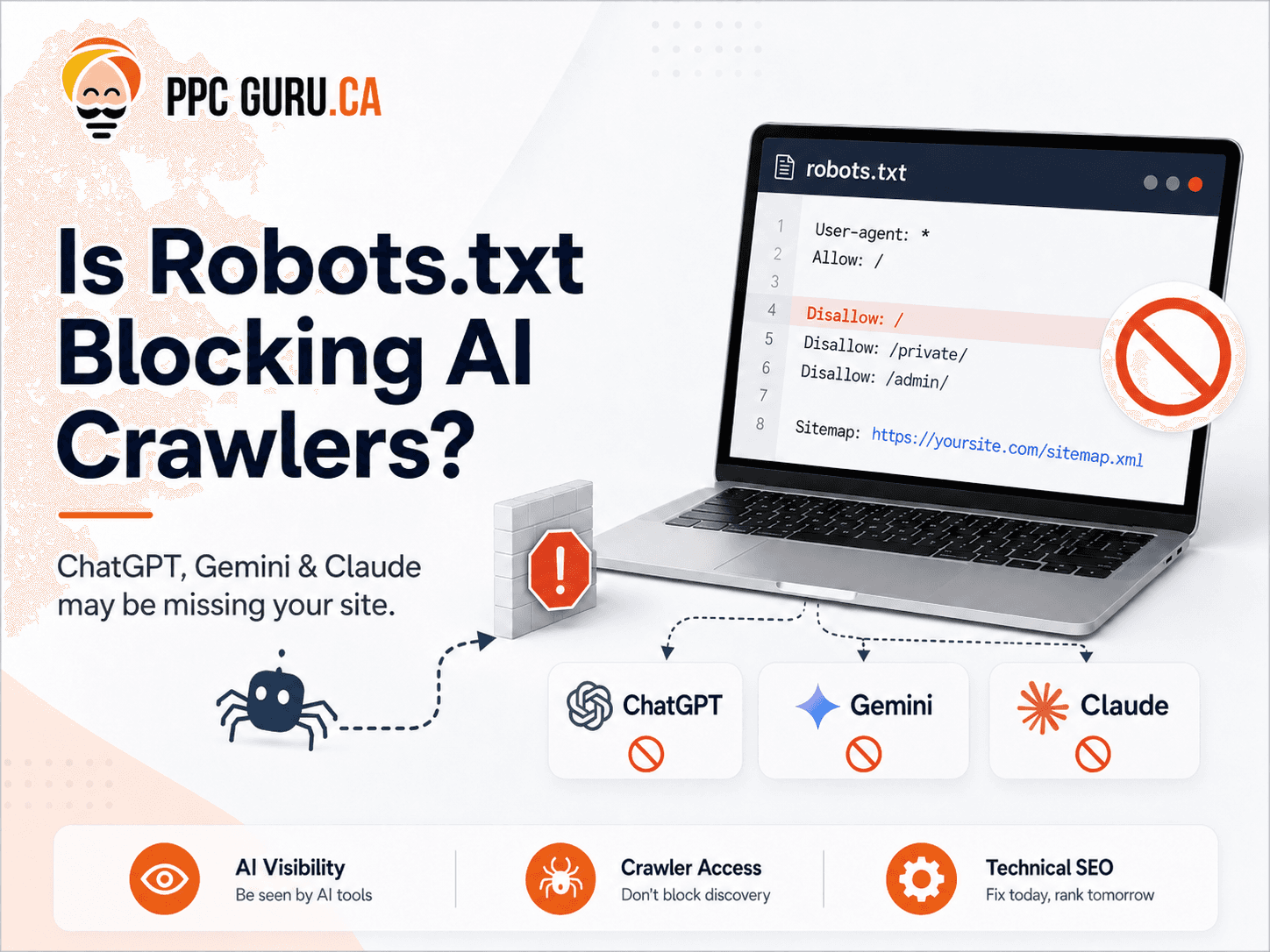
A plain-text file sitting at the root of your domain: yourdomain.com/robots.txt. A basic one looks like this:User-agent: *
Disallow: /admin/
Disallow: /checkout/
Allow: /
Sitemap: https://yourdomain.com/sitemap.xml
User-agent: * applies the rules to any crawler without its own specific block. Disallow marks areas crawlers shouldn't touch. Allow: / opens up everything else. Sitemap points to your XML sitemap.
One thing worth getting right: robots.txt is a crawler directive, not a security system. It doesn't password-protect anything, and it won't stop a scraper that's decided not to follow the rules. Confidential files, customer data, internal dashboards — those need real authentication and server-level protection. Robots.txt was never built for that job, and treating it like it was is a mistake worth catching early.
How this touches AI visibility, specifically#
AI platforms pull information through several channels: their own crawlers, search-engine indexes, licensed datasets, third-party search providers, on-demand retrieval when a user pastes a link, and whatever training data was already collected. Robots.txt isn't a master switch controlling every possible mention of your company across every model. It's narrower than that.What it does control is whether specific crawlers run by the major AI companies can access your site at all. Block an important one, and the platform starts struggling to access your current information, retrieve a page when someone asks about it, quote or summarize what you offer, confirm your current service details, or cite you as a source in the first place.
None of this is a guarantee, to be clear. Allowing a crawler doesn't mean your site gets used — the content still has to be relevant, trustworthy, and genuinely useful once the AI gets there. Robots.txt is an eligibility layer. It can open the door. It doesn't decide who walks through.
Not every AI crawler does the same job#
This is the part most existing advice gets wrong. Lumping "AI bots" into one bucket leads to bad decisions — a business might be completely fine with its articles showing up in AI search results while genuinely not wanting those same articles used to train a future model. Several platforms let you make that distinction explicitly, and it's worth knowing exactly how.OpenAI: GPTBot, OAI-SearchBot, and ChatGPT-User#
GPTBot is tied to content that may improve OpenAI's models over time.User-agent: GPTBot
Disallow: /
Blocking GPTBot doesn't automatically mean opting out of ChatGPT search visibility. OpenAI runs a separate crawler for that.
OAI-SearchBot supports ChatGPT's actual search functionality — this is the one behind summaries, snippets, and citations. OpenAI's own documentation recommends publishers who want their pages included in ChatGPT search results allow this one specifically.
User-agent: OAI-SearchBot
Allow: /
This is the distinction that matters most for anyone chasing ChatGPT visibility: GPTBot is about model improvement. OAI-SearchBot is about being found. Set different rules for each.
ChatGPT-User fires when someone pastes your URL into ChatGPT and asks it to summarize the page. Block this, and that specific use case breaks.
A selective OpenAI setup:
User-agent: GPTBot
Disallow: /
User-agent: OAI-SearchBot
Allow: /
User-agent: ChatGPT-User
Allow: /
Anthropic: ClaudeBot, Claude-SearchBot, and Claude-User#
Anthropic splits its crawlers the same way. ClaudeBot collects public content that could contribute to model training.User-agent: ClaudeBot
Disallow: /
Claude-SearchBot navigates the web specifically to improve search result quality. Anthropic's own support documentation states plainly that disabling it "may reduce your site's visibility and accuracy in user search results."
User-agent: Claude-SearchBot
Allow: /
Claude-User retrieves a page when someone using Claude directly asks a question that needs it. Block it, and that specific retrieval breaks too.
Same logic as OpenAI: block the training bot, allow the search and user-triggered ones, and you get a genuinely selective setup rather than an all-or-nothing choice.
Google: where Search and Gemini controls actually overlap, and where they don't#
Google needs its own explanation, because this is where most confusion happens. To appear as a supporting link in AI Overviews or AI Mode, a page has to be indexed and eligible to appear in regular Google Search with a snippet in the first place. Google's Search Central documentation is clear that there's no separate technical requirement layered on top for AI Overviews specifically — ordinary SEO fundamentals apply, including letting Googlebot crawl the page at all.Which means this rule damages your regular search presence and your AI Overview eligibility at the same time:
User-agent: Googlebot
Disallow: /
Blocking Googlebot doesn't just cost you AI features. It hits traditional Search, Discover, Images, News, and Video too.
Google-Extended is a completely different thing, and it's the one actually worth using. A separate control token governing whether content Google has already crawled can be used for certain Gemini training and grounding purposes. Google states directly that it does not affect inclusion or ranking in Google Search. Run both at once:
User-agent: Googlebot
Allow: /
User-agent: Google-Extended
Disallow: /
Googlebot handles your Search ranking and AI Overview eligibility. Google-Extended governs Gemini App and Vertex AI training, at zero cost to your Search visibility. Blocking that second one is arguably the cleanest, lowest-risk move available anywhere in this entire area.
A practical configuration for a Toronto service business#
Something close to this, adjusted for your own site's actual structure:User-agent: Googlebot
Allow: /
Disallow: /wp-admin/
Disallow: /checkout/
Disallow: /account/
User-agent: OAI-SearchBot
Allow: /
Disallow: /wp-admin/
Disallow: /checkout/
Disallow: /account/
User-agent: ChatGPT-User
Allow: /
Disallow: /wp-admin/
Disallow: /checkout/
Disallow: /account/
User-agent: GPTBot
Disallow: /
User-agent: Claude-SearchBot
Allow: /
Disallow: /wp-admin/
Disallow: /checkout/
Disallow: /account/
User-agent: Claude-User
Allow: /
Disallow: /wp-admin/
Disallow: /checkout/
Disallow: /account/
User-agent: ClaudeBot
Disallow: /
User-agent: Google-Extended
Disallow: /
User-agent: *
Allow: /
Disallow: /wp-admin/
Disallow: /checkout/
Disallow: /account/
Sitemap: https://yourdomain.com/sitemap.xml
Treat this as a starting example, not a universal answer. Before copying it onto your own site: which areas are genuinely public, is your organization actually comfortable allowing any training crawlers at all, what does your specific CMS require, do staging or filter-parameter URLs need their own restrictions, and could existing rules elsewhere in your file quietly conflict with these new ones. A small syntax error here produces unexpected crawling behavior fast, so test the file before and after deploying, not once and forget it.
How to actually check what you currently have#
Type your domain followed by /robots.txt into a browser. No tool needed, it's just text. Read every User-agent block and look for a wildcard Disallow: / with no exceptions, and for whether AI bot names show up at all. If the only rules you find are for Googlebot, every AI crawler on the internet is currently following your default wildcard rule, whether that was ever a deliberate choice or not. If you'd rather have this checked properly rather than reading raw text yourself, a free AI visibility audit covers this alongside the other technical gaps that tend to hide in plain sight.Five ways businesses accidentally block AI crawlers#
A wildcard blocking everything. User-agent: * / Disallow: / with no carve-outs shuts out every compliant crawler, AI and traditional search alike. Shows up most often after a staging site gets pushed to production and nobody remembers to remove the restriction.An outdated, auto-generated AI blocklist. Some security plugins and hosting tools quietly add long lists of AI user-agents to robots.txt by default, without the site owner ever seeing it happen. Read the actual file yourself. Don't assume a plugin's defaults match what you'd actually choose.
Blocking search crawlers along with training crawlers. A business decides it doesn't want GPTBot or ClaudeBot training on its content, blocks them, and in the process also blocks OAI-SearchBot or Claude-SearchBot without realizing those are separate bots doing a separate, more valuable job. This is the most common version of "right intent, wrong execution" in this whole area.
Letting bot names go stale. New AI crawlers appear several times a year as companies launch products or change their approach. A configuration accurate in January can have real gaps by summer.
Deploying without testing. One typo in a User-agent line, or a rule in the wrong order, can produce crawling behavior nobody intended. Check the file right after any change, not weeks later once traffic or citations have already quietly dropped. This is exactly the kind of technical detail that gets missed without a proper SEO audit covering the full site, not just the content on it.
The honest limits of robots.txt#
Worth knowing before treating this as a complete fix. It's a voluntary system. Major AI companies say they respect it, but it isn't enforcement, and some crawlers have documented histories of accessing sites through undeclared methods regardless of what the file says. Real enforcement, if you need it, means server-level blocking or a web application firewall — a bigger step most small businesses don't need on day one. And bot names shift. What's accurate today may be incomplete in six months, which is exactly why this belongs in a recurring technical review, not a task you finish once.Where this fits into the bigger picture#
Getting crawler access right is a prerequisite, not a strategy on its own. A perfectly open robots.txt sitting in front of thin, generic, unattributed content still won't earn a citation. It matters alongside the rest of the AI visibility work worth doing in parallel: making sure your structured data actually describes your business, keeping content genuinely current instead of stale, and building the kind of verifiable authorship that gives an AI system a real reason to trust what it finds once it's let in.Frequently asked questions#
Will blocking Google-Extended hurt my Google ranking? No. It controls Gemini and Vertex AI training specifically. Google states it's entirely separate from Googlebot, which handles your actual Search ranking and AI Overview eligibility.Do I need to revisit my robots.txt file regularly? Yes. New AI crawlers appear periodically and existing ones occasionally change their user-agent names. A quarterly check is a reasonable baseline.
Is blocking a training crawler enough to keep my content fully out of AI training data? Not completely. Reputable AI companies say they honor these directives, but it's voluntary compliance, not technical enforcement — some crawlers and third-party datasets sourcing from the wider web may not.
Can I allow AI search bots while blocking AI training bots? Yes, and for most businesses this is the more sensible default. It keeps you eligible for citation in real-time AI answers while opting out of having your content used to train future models.
How do I know if an AI crawler has actually visited my site? Server access logs show crawler visits by user-agent, but they won't tell you whether a visit turned into an actual citation somewhere. That needs separate, dedicated tracking.
If your site's technical setup might be quietly capping its AI visibility, get in touch and we'll show you exactly where the gaps are.
Author: Siddharth Sharma is an SEO Specialist at PPC Guru, a Toronto based digital marketing agency, with 6+ years of experience in search and digital marketing.